
Support
Need a hand?
Stuck on a job, found a bug, or just want to say hello? Send a message and it'll come straight to me. I read every one.
 Send a message
 Common questions
Replies usually within a day or two

Delivered. Thanks, your message is on its way.
Prefer email?
Write to hello@tinypursuit.com.
I'm a solo developer, so replies can take a day or two.
Reporting a bug?
These details help me fix it faster:
- Your device and OS version
- The town and job you were on, or the date if it was the daily challenge
- What you expected, and what happened
- A screenshot, if you can (reply to my email with it)
Press
Screenshots, descriptions, a fact sheet, logos and footage are in the press kit.
Common questions
When does Tiny Pursuit come out?
Soon. Sign up for launch updates and you'll get an email on release day.
Which devices can I play on?
Tiny Pursuit is coming to iPhone, iPad and Mac. You can play with touch, a keyboard or a game controller.
How do I steer?
The car accelerates by itself, so all you do is steer. On iPhone and iPad, tap or hold the left or right half of the screen. On Mac, use A and D or the arrow keys. With a controller, use the left stick or the d-pad. R resets the car and Escape pauses. If the car gets pinned against something for about a second, it backs out by itself.
How do drifting and boosting work?
Hold a turn at speed to drift, which fills the boost meter. Straighten up past the first line for a mini turbo, or hold on past the second for a super turbo. The chevron pads on the road give you a boost too, as long as you cross them the way the arrows point.
The police keep busting me. Any tips?
The busted meter fills when a cruiser stays on your bumper, and fastest when you're slow or stuck. Pull away and it drains. Keep moving, cut through junctions, drift round corners and use boost pads to open a gap. A faster or upgraded car helps too.
What are wanted stars?
Driving round My Town, patrol cars leave you alone until you start crashing into things. Each wanted star puts another cruiser on your tail, up to five. Get well away and out of sight and the stars are wiped.
How does My Town work?
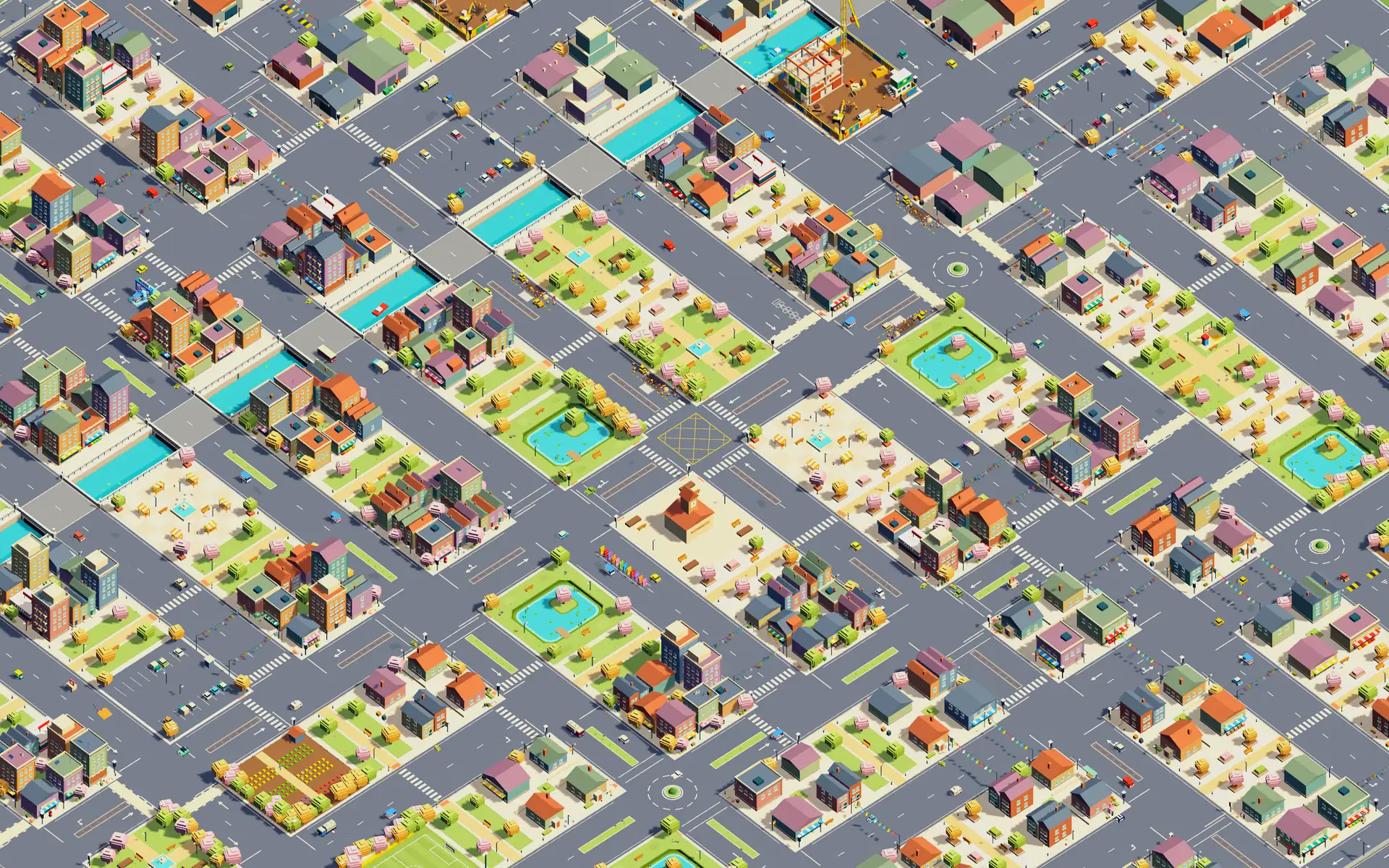
My Town is your own town, and the story builds it. Every story job you finish for the first time builds another block, in the style of the town you were working in: ten quarters, ten landmarks, and your own house in the colour of your car. Choose MY TOWN on the title screen to drive round it. The glowing spots in its streets each start a short challenge, and losing one costs nothing.
What's the gag meter?
Every story town has ten gags to set off during its jobs, such as hopscotch, banana skins and wet cement. A town's job list has a GAGS page with a hint for each one you haven't found. Find all ten to win that town's gag car.
How do medals work?
Every story job gives bronze for finishing, and silver and gold for finishing fast. The results screen shows the time to beat for the next medal up. Gold is tight in the starter car, so come back with a faster or upgraded one.
How do I upgrade a car?
In the garage, pick a car you own and upgrade its speed, grip, drift or boost with coins. The upgrades stay with that car.
What's the daily challenge?
One job a day, the same for every player, driven through the streets of My Town. There's no time limit: your finishing time is your score. It changes at midnight UTC. If you're signed in to Game Center, THE WORLD tab shows the day's best times from all players and where you placed.
How do I turn the daily reminder on or off?
On iPhone and iPad, use the reminder button at the top of the daily challenge screen, or Notifications in Settings. If the button says Allow Notifications, iOS is blocking them: tap it to open the game's page in the Settings app and allow them there. The reminder arrives at 10:00 in the morning, your time. There's no reminder on Mac.
Why is it dark, or raining, in my town?
The towns keep the time on your device, so it's dark in the game when it's dark where you are, and the weather changes through the day. To choose for yourself, go to Settings › Sky and pick a time of day or a kind of weather.
Where do photo mode pictures go?
Pause the game and choose Photo Mode. Everything you take is kept in a library inside the game, under Settings › Photos. From there you can share a picture or, on iPhone and iPad, save it to your photo library through the share sheet. On Mac, pictures are also saved to a Tiny Pursuit folder inside Pictures.
How do I honk?
Tap the horn button on iPhone and iPad, press H or Space on Mac, or press A on a controller. Pedestrians jump, pigeons scatter and dogs bark.
Is there anything to make the game more comfortable?
Yes. Settings has a Comfort tab. Reduce Motion turns off screen shake, flashes and freeze-frames. Colour Assist makes pickups yellow and drop-offs blue instead of orange and green.
Are the awards Game Center achievements?
Yes. All 25 awards are also Game Center achievements. If you're signed in to Game Center, they're sent as you earn them.
Does my progress sync between iPhone, iPad and Mac?
Yes, through iCloud, if your devices are signed in to the same Apple Account. There's nothing to press. You can switch sync off under Settings › Comfort › iCloud.
Where's my progress saved? Can I start again?
Progress is saved on your device, and in your iCloud if sync is on. To start over, go to Settings › About › Reset Progress and press the button twice. This can't be undone, and with iCloud on it resets every device.